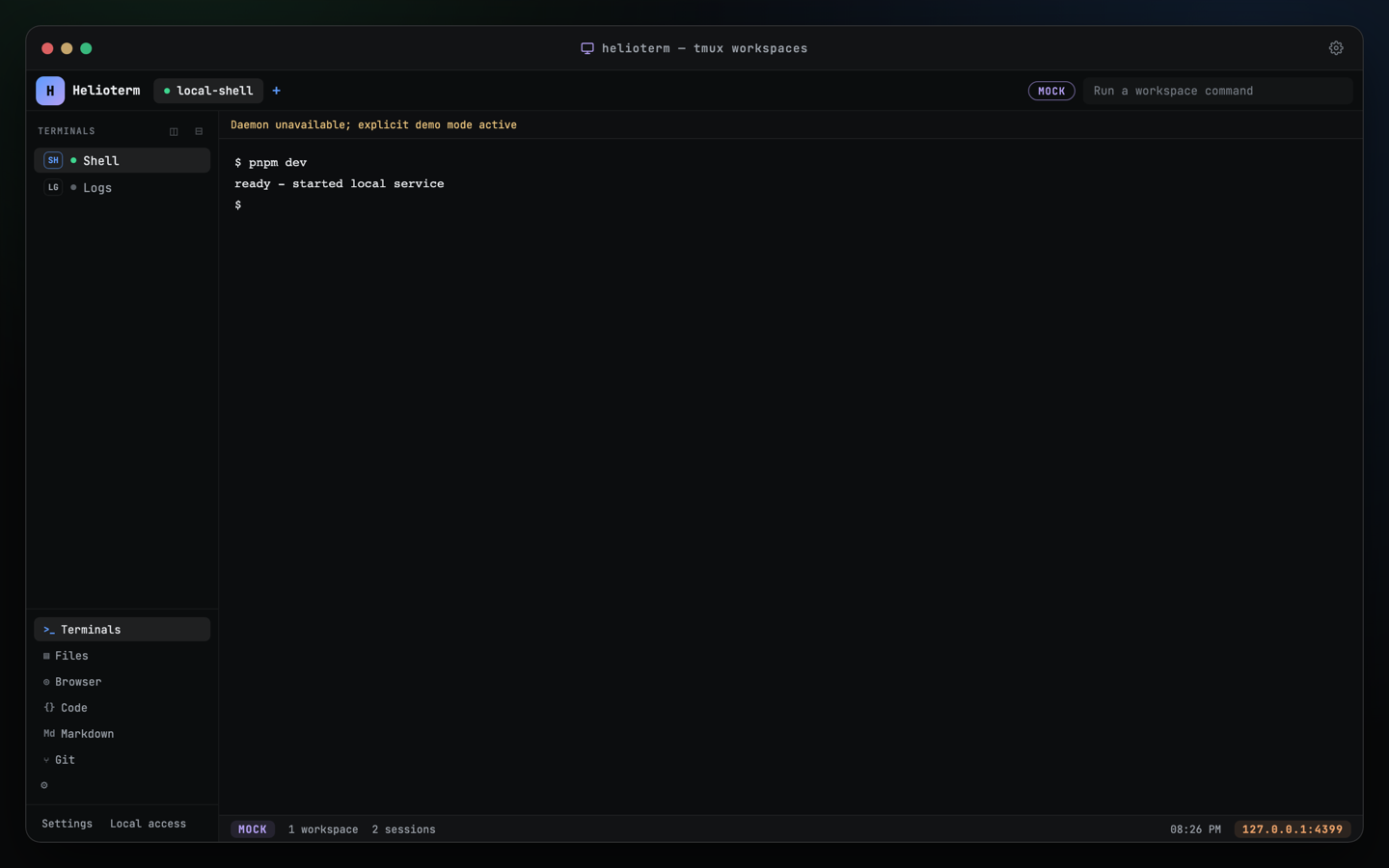
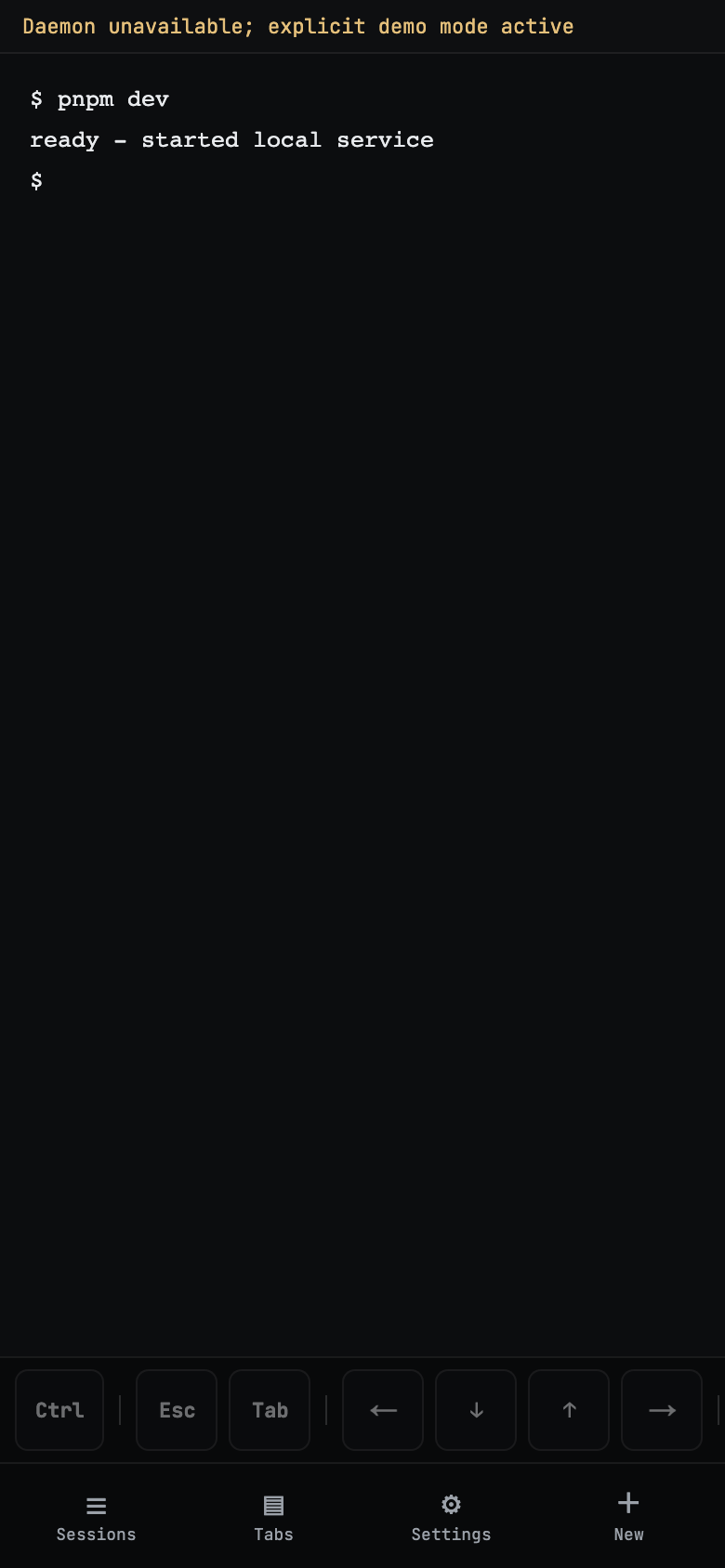
What is Helioterm?
A dashboard in your browser for the terminal windows and AI coding agents running on your own computer. It runs on your machine, not in a cloud. Sessions live in tmux, a standard tool that keeps terminal programs alive in the background, so closing the browser never stops your work.
I don't really use tmux. Does that matter?
No. Helioterm creates and manages its own tmux sessions; you never have to type a tmux command. tmux is just the engine that keeps sessions running after you close the page.
Which AI agents does it recognize?
The protocol types sessions as claude, codex, opencode, openclaw, shell, or unknown, and watches for waiting-for-input and needs-approval states. When an agent stops to ask you something, its tab is flagged as needing attention.
Can I edit files with it?
The built-in code, markdown, and git viewers are read-only with a 512 KiB cap. You can optionally open a file in a separately installed Druk terminal editor. The explorer can also create folders, rename, and delete inside the workspace.
Can I install it today?
Not yet. Helioterm is a private pre-release, and publication is gated on the release checklist plus owner approval, including real-device and external security review evidence. The setup guide is available to readers who already have source access.
What does it cost?
The code is MIT licensed, and the product has no account system or hosted tier. There is no public release artifact yet, so there is nothing to buy and nothing to subscribe to.
Where does my terminal data live?
On your machine. Sessions are tmux sessions owned by a daemon that binds 127.0.0.1. In v0.1 the renderer keeps scrollback in memory only, there is no transcript store, and the app registers no service worker, so the browser app does not persist or cache terminal output.
How does remote access work?
The daemon stays on localhost and Tailscale Serve proxies the port privately to your tailnet, encrypted in transit over your tailnet. Helioterm login still applies on top: tailnet membership and Tailscale identity headers never create a session. Funnel, which is public exposure, is warning-gated rather than enabled for you.
Can I see all my computers in one place?
Not in one pane. Run a daemon on each machine and reach each one at its own tailnet name. Sessions reattach from any device; layout preferences stay per-device.
What is cmuxd-remote, and do I need it?
The live terminal data plane runs through an external cmuxd-remote sidecar that you install separately and pin by path. Helioterm does not bundle or download it, and it remains under CMUX's own license terms. Without the sidecar the daemon still serves the control plane and UI; terminal attach returns 503.
Will it touch the tmux sessions I already have?
No. App-created sessions are stamped @helioterm_managed, and kill or rename refuse any session without that marker. For adopting older sessions there is helioterm tmux migrate-legacy --dry-run.
How do I report a security issue?
Follow the private reporting instructions in the repository's SECURITY.md. Do not post a working exploit publicly. Include the affected version, your bind and auth configuration, and reproduction steps. The support guide describes the current access boundary.